

Owlight
Place owls, light the night.
A calm logic puzzle where little owls with lanterns light up a starry grid.
Coming soon on the App Store
Trailer
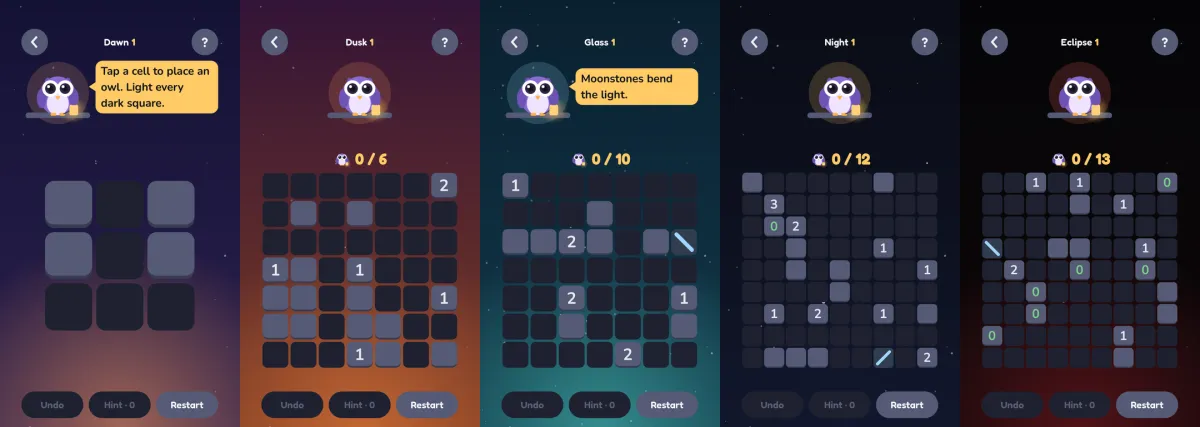
Screenshots
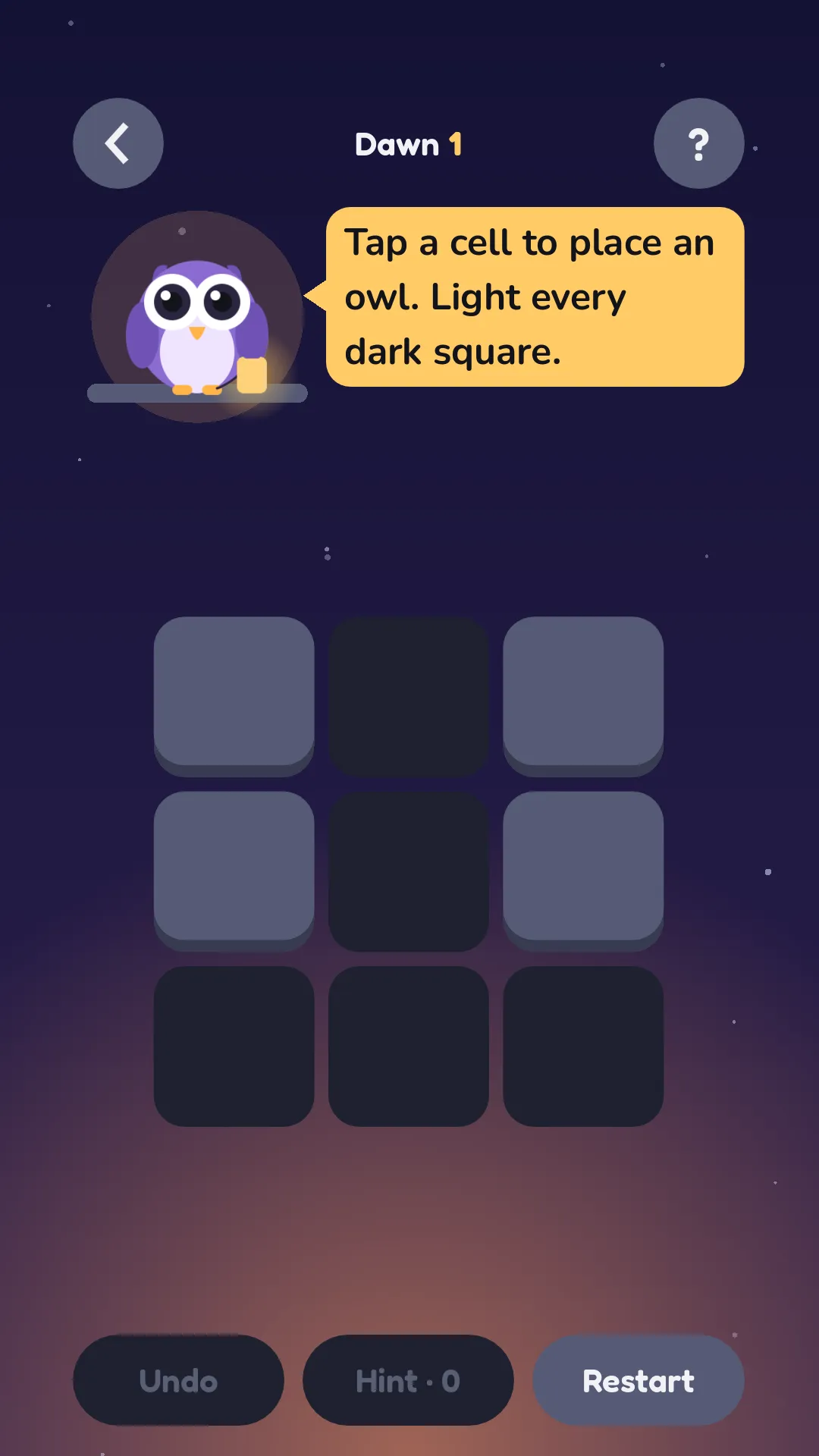
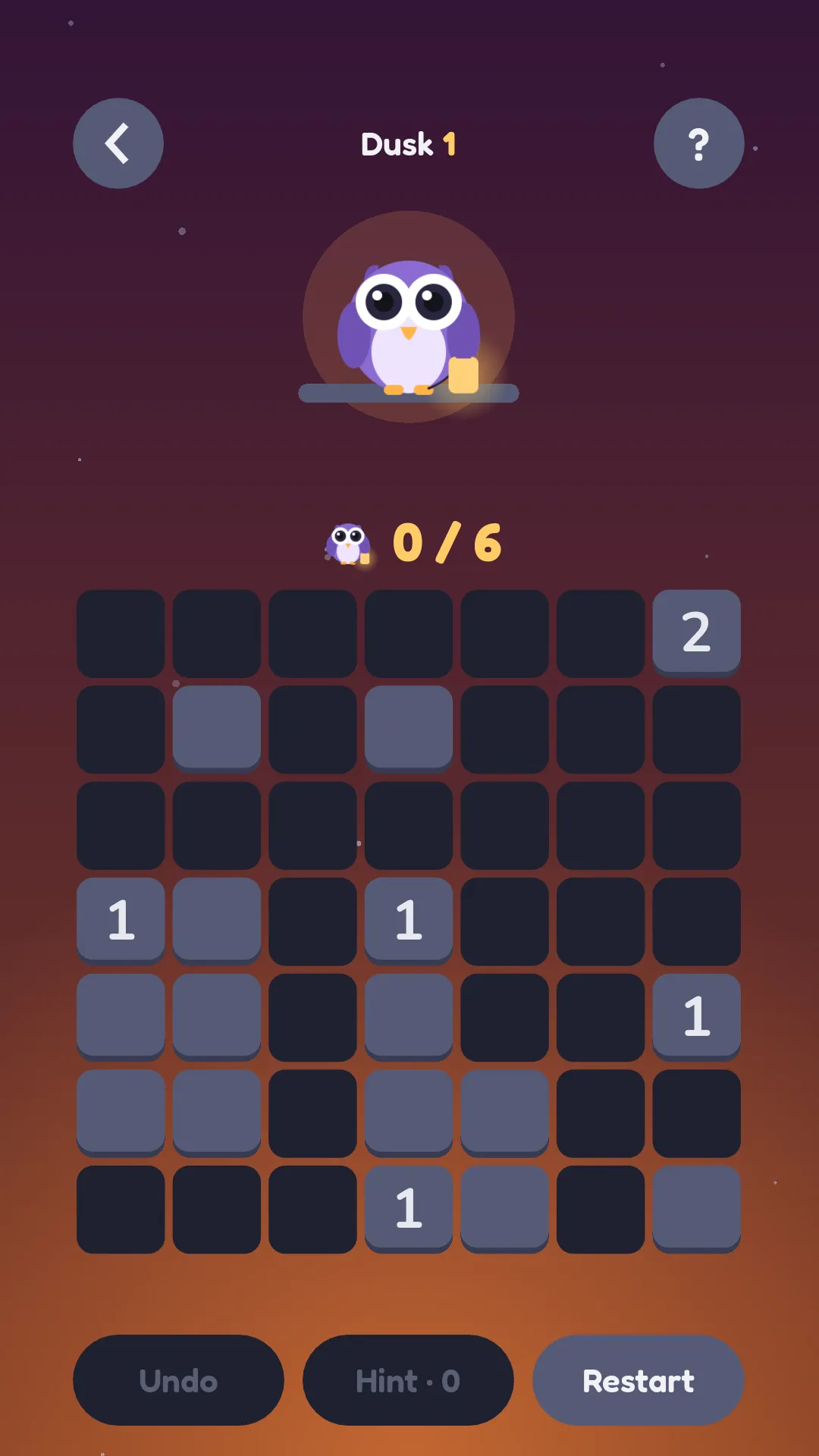
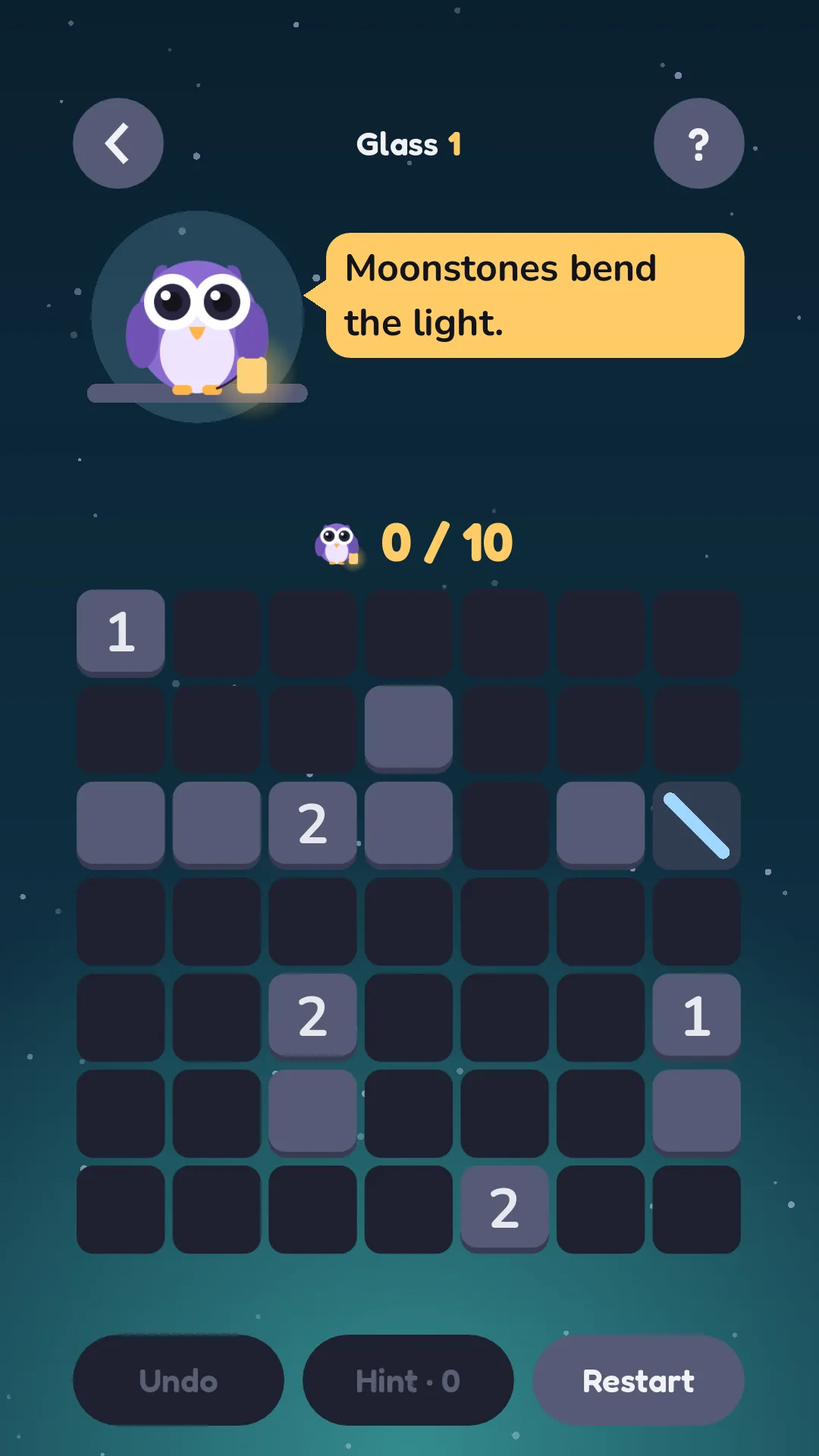
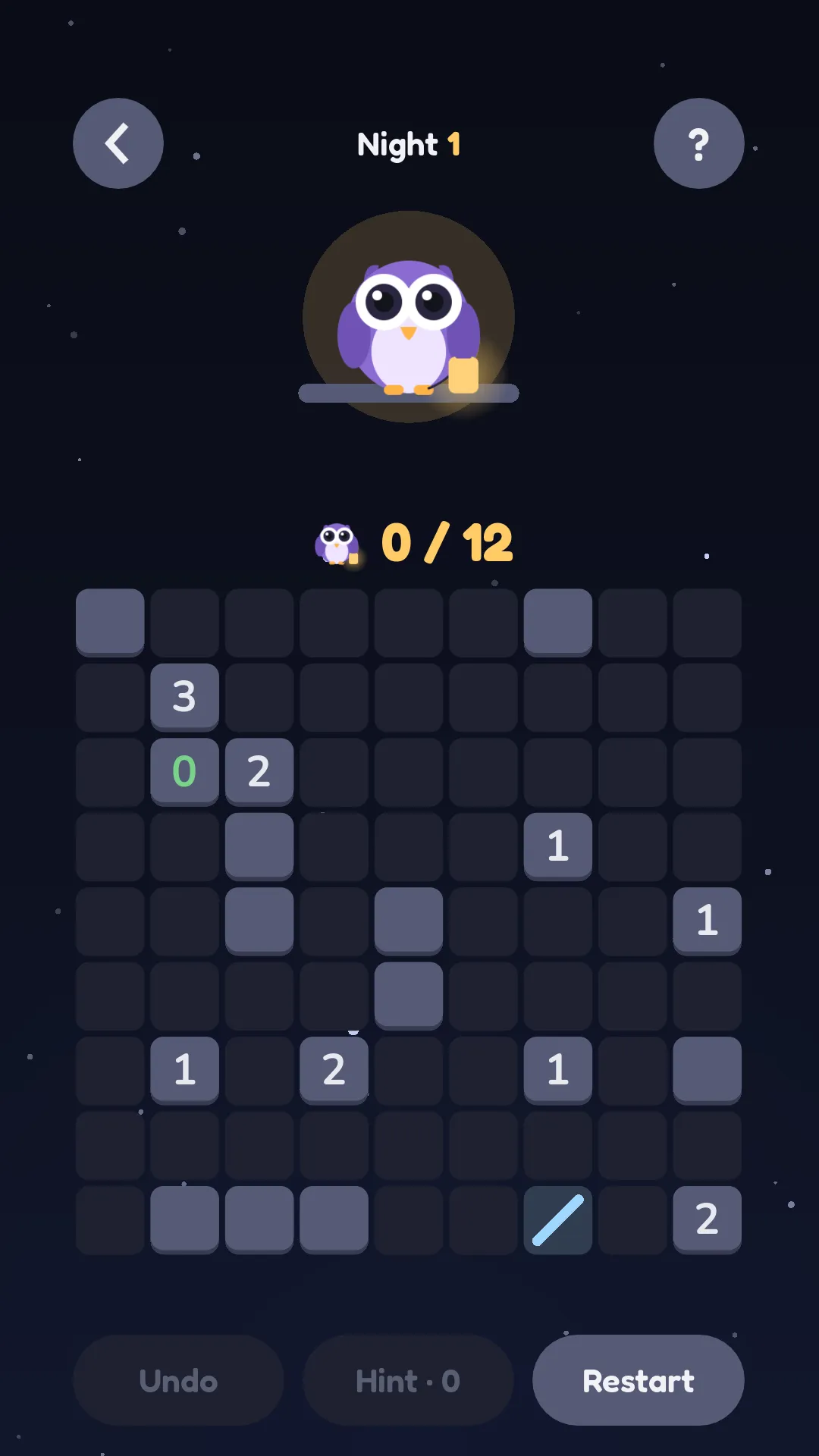
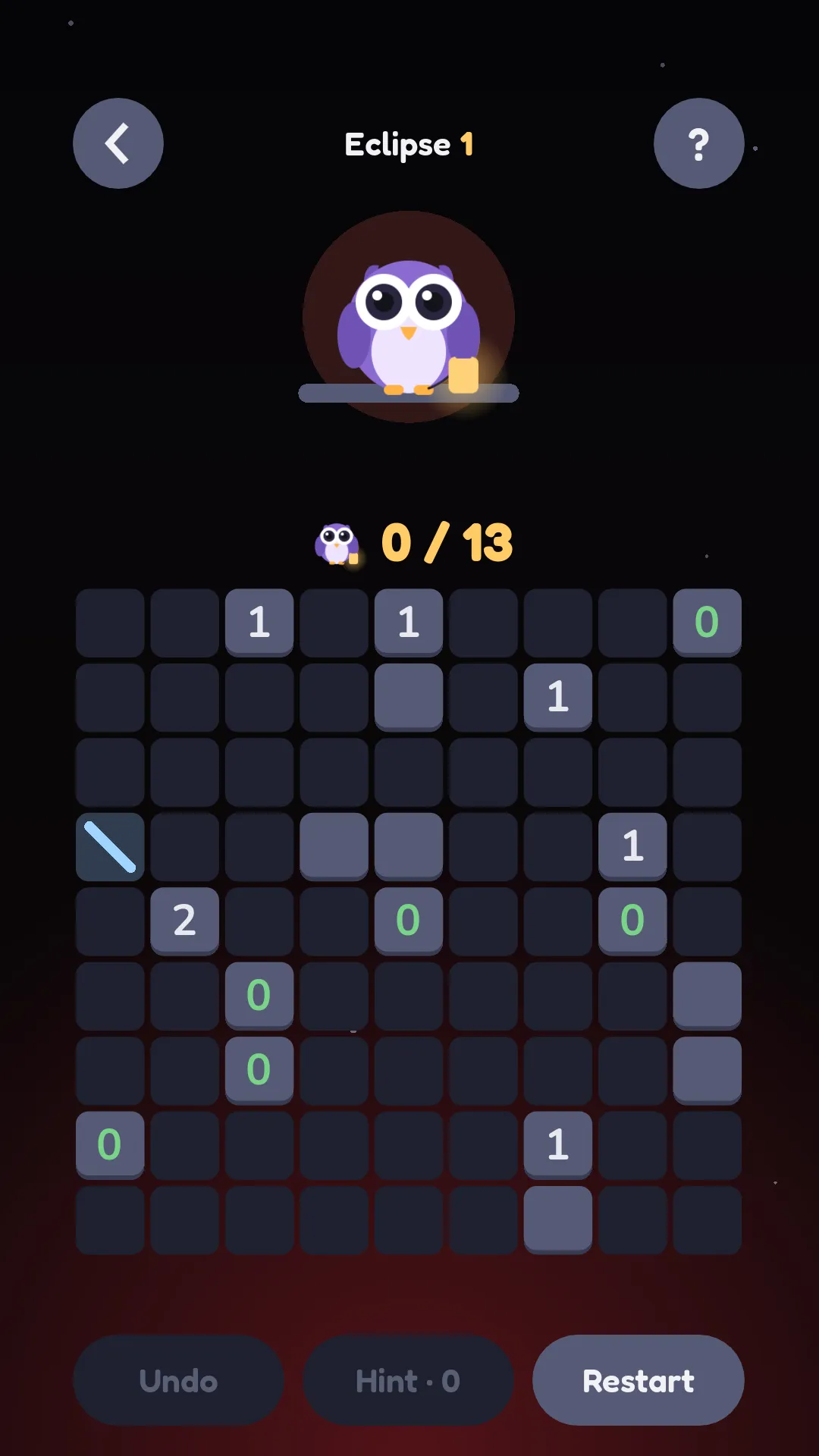
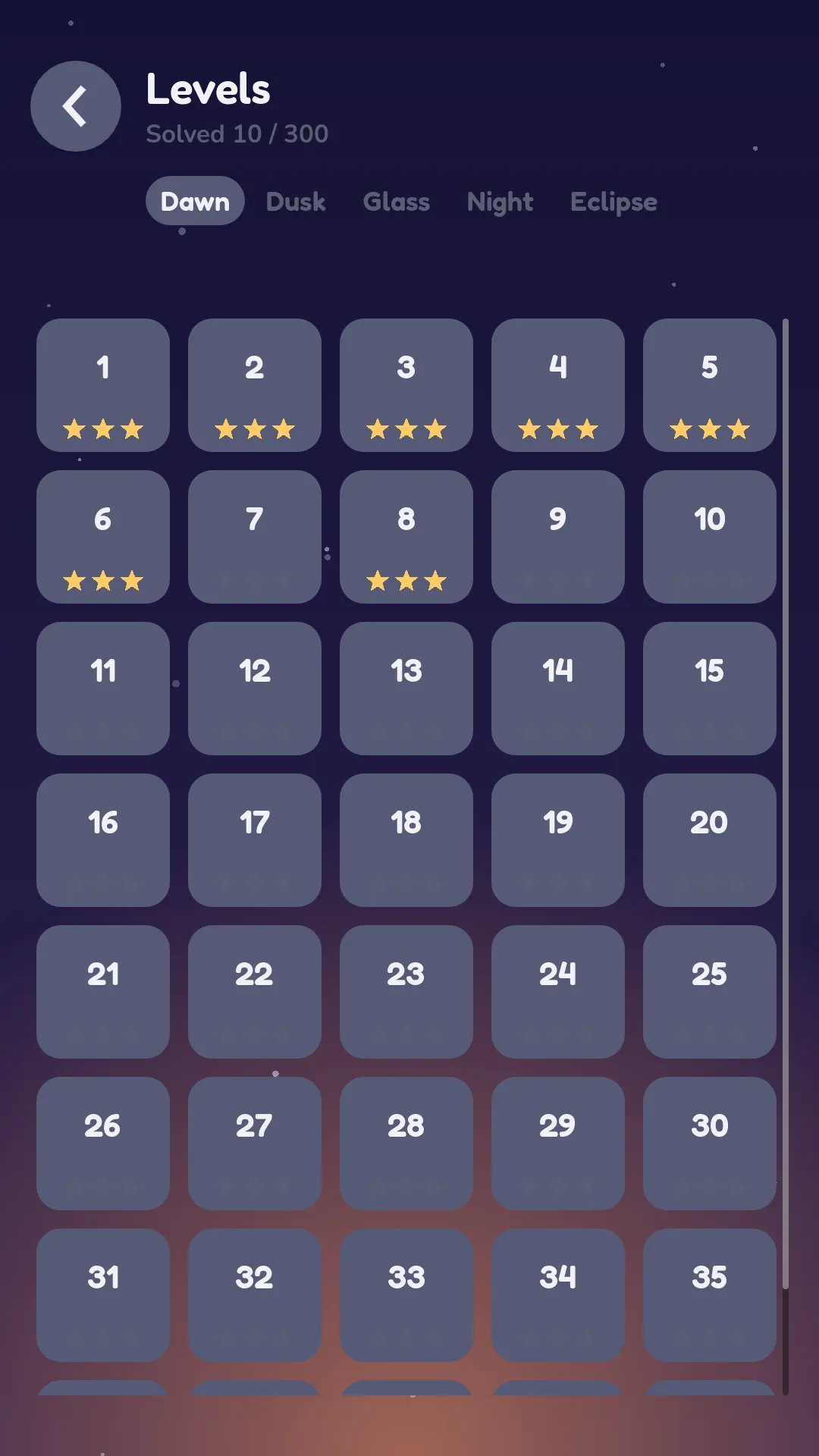
Highlights
300 levels
Five night skies: Dawn, Dusk, Glass, Night and Eclipse. Every level is checked to have exactly one solution.
A new daily puzzle
A fresh puzzle every day, free for everyone.
No ads, works offline
No ads at all, and you can play anywhere, no connection needed.
Easy to learn, deep to master
Three simple rules to start, with moonstones and tricky walls later on.
Safe for kids
No ads, no chat, no accounts and no links out of the game while playing.
Progress syncs with iCloud
Pick up where you left off on a new iPhone signed in with the same Apple ID.
How to play
Tap to place an owl. Light every dark square.
Owls must not shine on each other.
A number shows how many owls must touch that wall, above, below, left or right.
Moonstones bend the light.
Free to start, pay once if you love it
Play about 60 levels and the daily puzzle for free. One optional purchase, Unlock Everything, opens all packs and unlimited hints. No subscriptions, no ads.
Questions
Is Owlight free?
Yes, to start. You get about 60 levels and the daily puzzle for free. One optional purchase, Unlock Everything, opens every pack and unlimited hints. No subscriptions.
Are there ads?
No. Never.
Is it safe for kids?
Yes. No ads, no chat, no accounts and no links out of the game while playing.
Does it work offline?
Yes. Gameplay stats are sent when you are next online.
How do hints work?
You get 3 free hints each day, and unlimited hints after unlocking. Hold your finger on the board to use one.
How do I restore a purchase?
Open Settings and tap Restore purchases while signed in with the same Apple ID you bought with.
How do I move my progress to a new phone?
Progress syncs through iCloud. Sign in with the same Apple ID on the new phone.
How do I reset my progress?
Open Settings and tap Reset progress.
Can I get a refund?
Refunds are handled by Apple at reportaproblem.apple.com.
How do I contact you?
Email support@fedupstudios.com. We reply within 2 business days.